Table of Contents
Web Admin Overview
Raif includes a web admin interface for viewing all interactions with the LLM. Assuming you have the engine mounted at /raif, you can access the admin interface at /raif/admin.
The admin interface contains sections for:
- Model Completions
- Tasks
- Conversations
- Agents
- Model Tool Invocations
- Prompt Studio
- LLM Registry
- Stats
Authorization
To control authorization for the admin interface, you can configure the authorize_admin_controller_action option in your initializer:
Raif.configure do |config|
  config.authorize_admin_controller_action = ->{ current_user&.admin? }
end
Screenshots
Model Completions
List of Raif::ModelCompletion records: 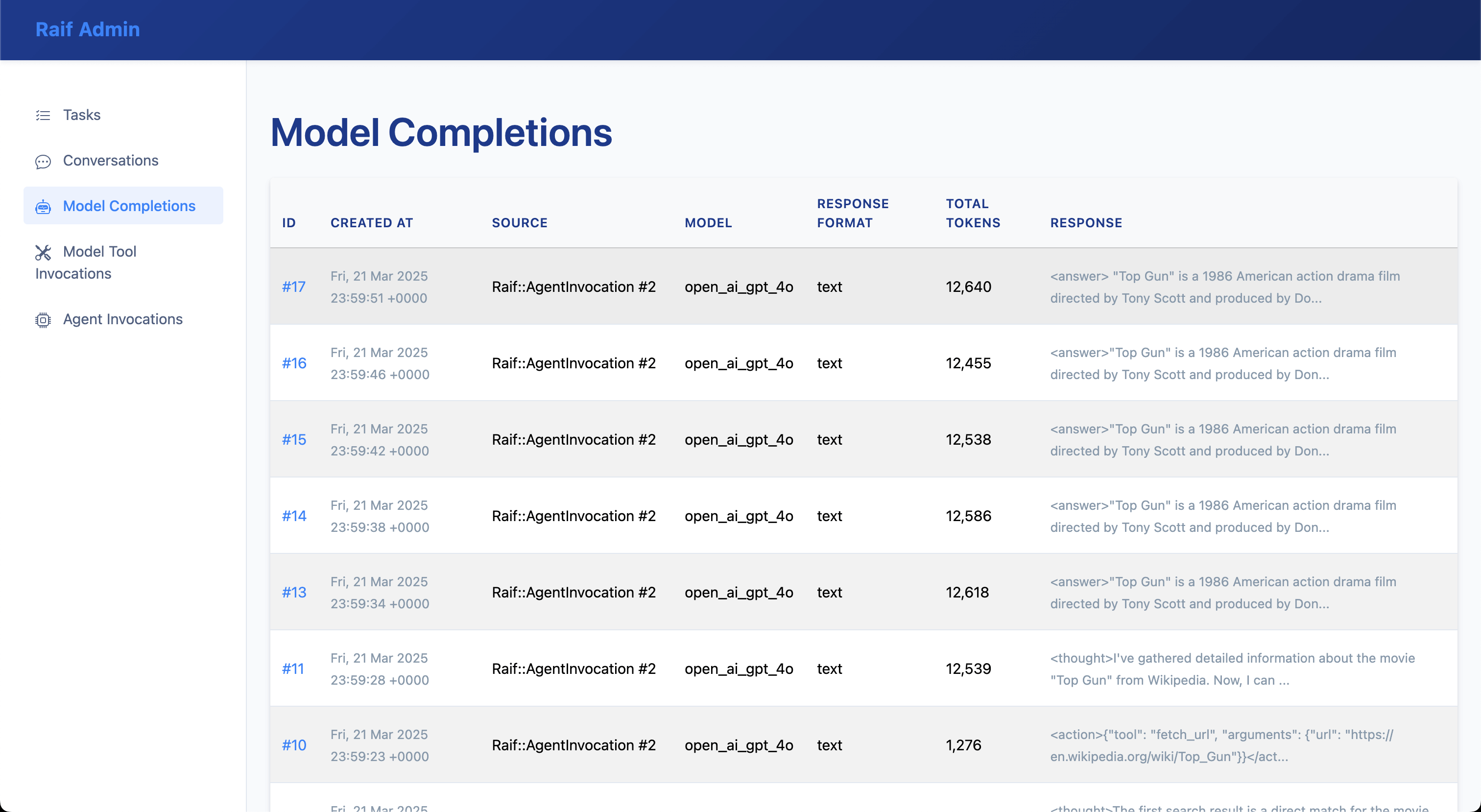
Raif::ModelCompletion record detail: 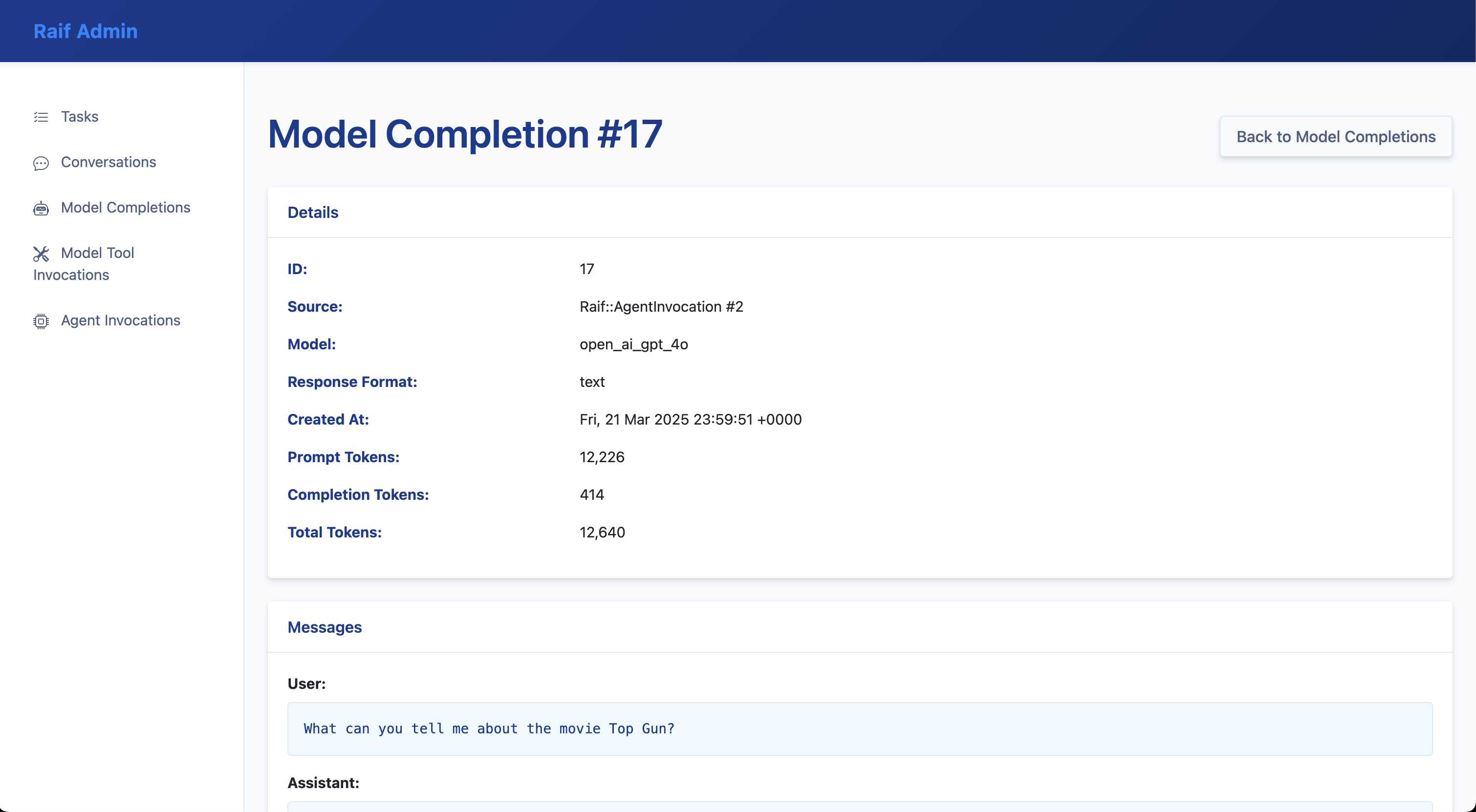
Tasks
List of Raif::Task records: 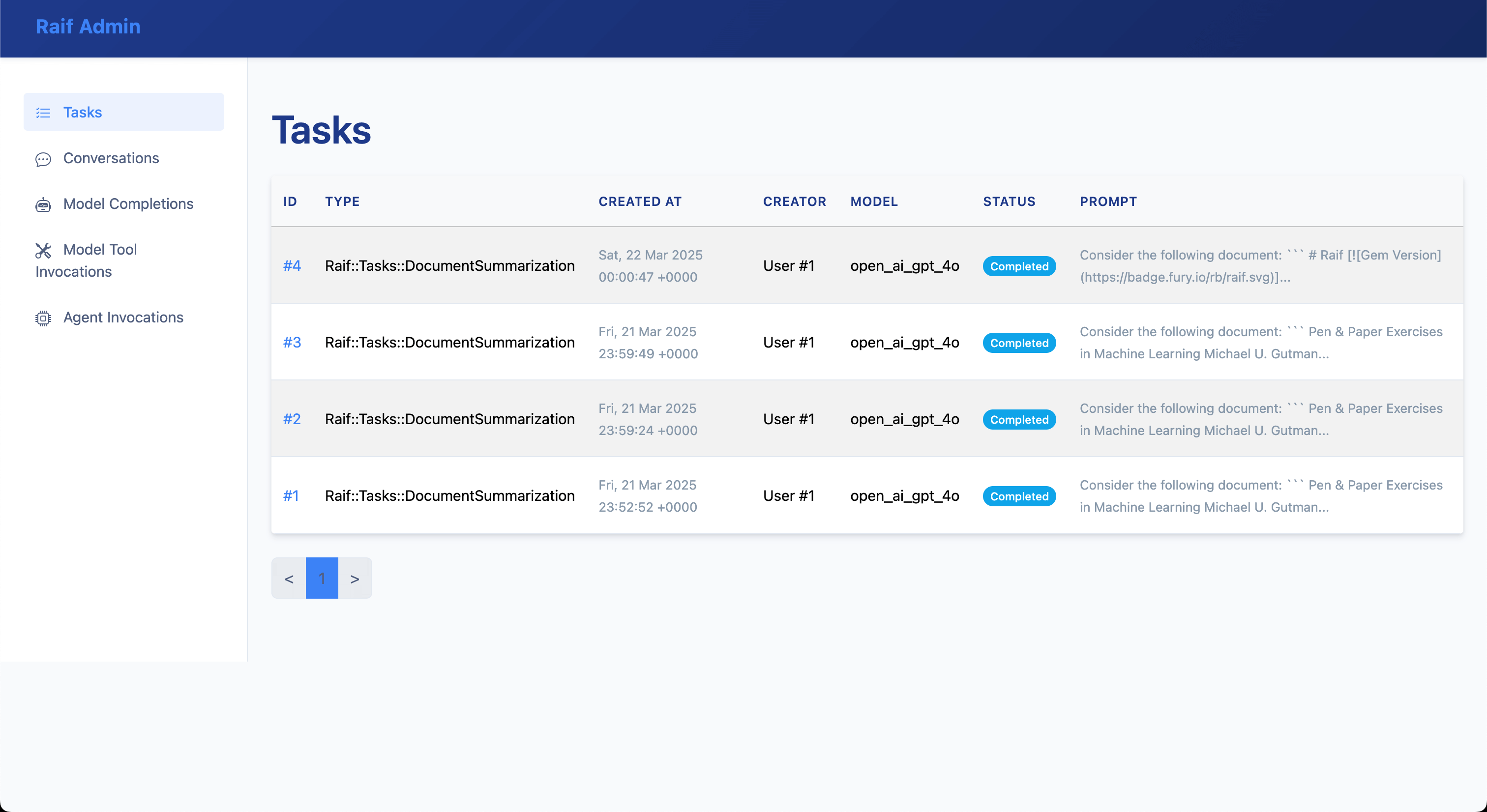
Raif::Task record detail: 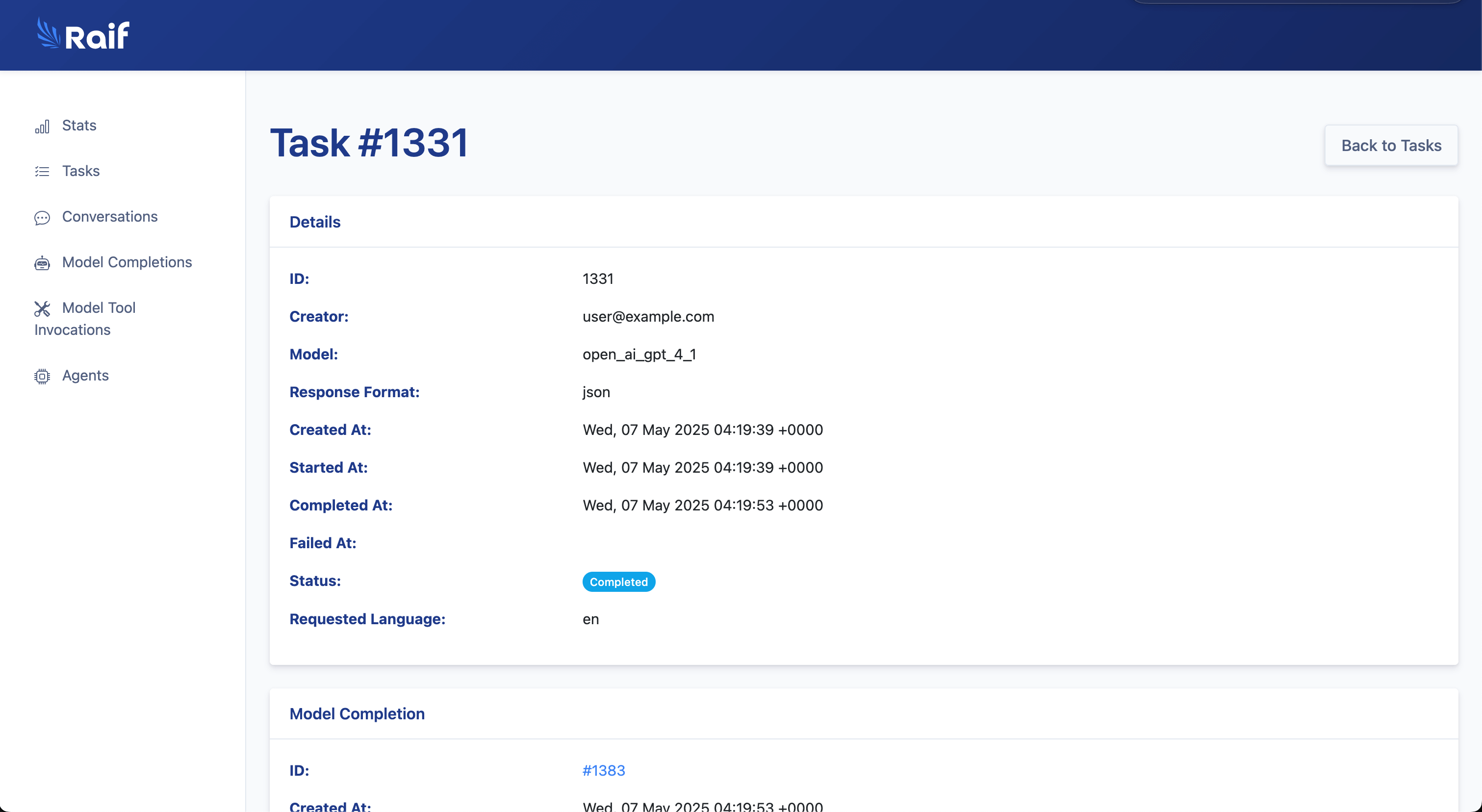
Conversations
List of Raif::Conversation records: 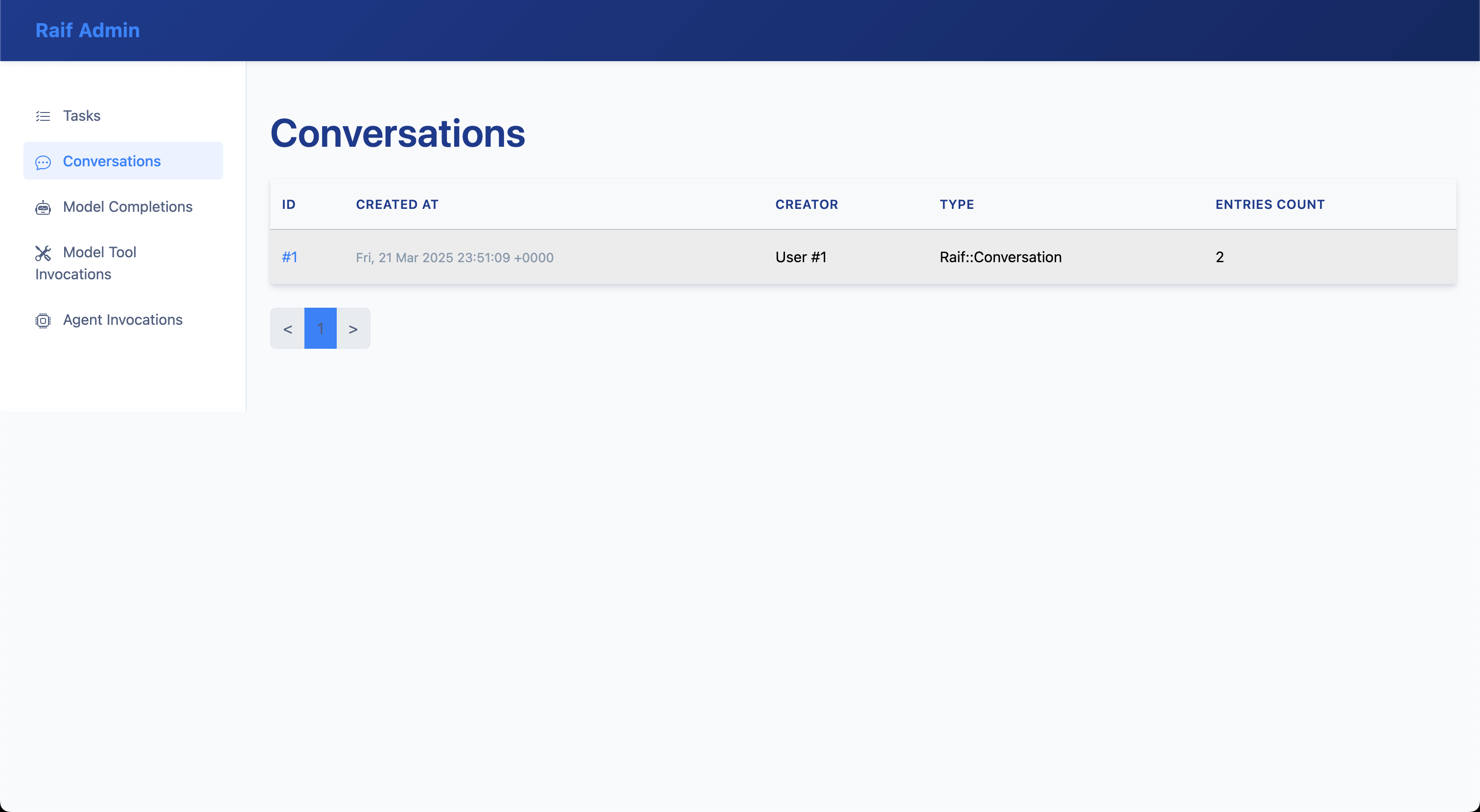
Raif::Conversation record detail: 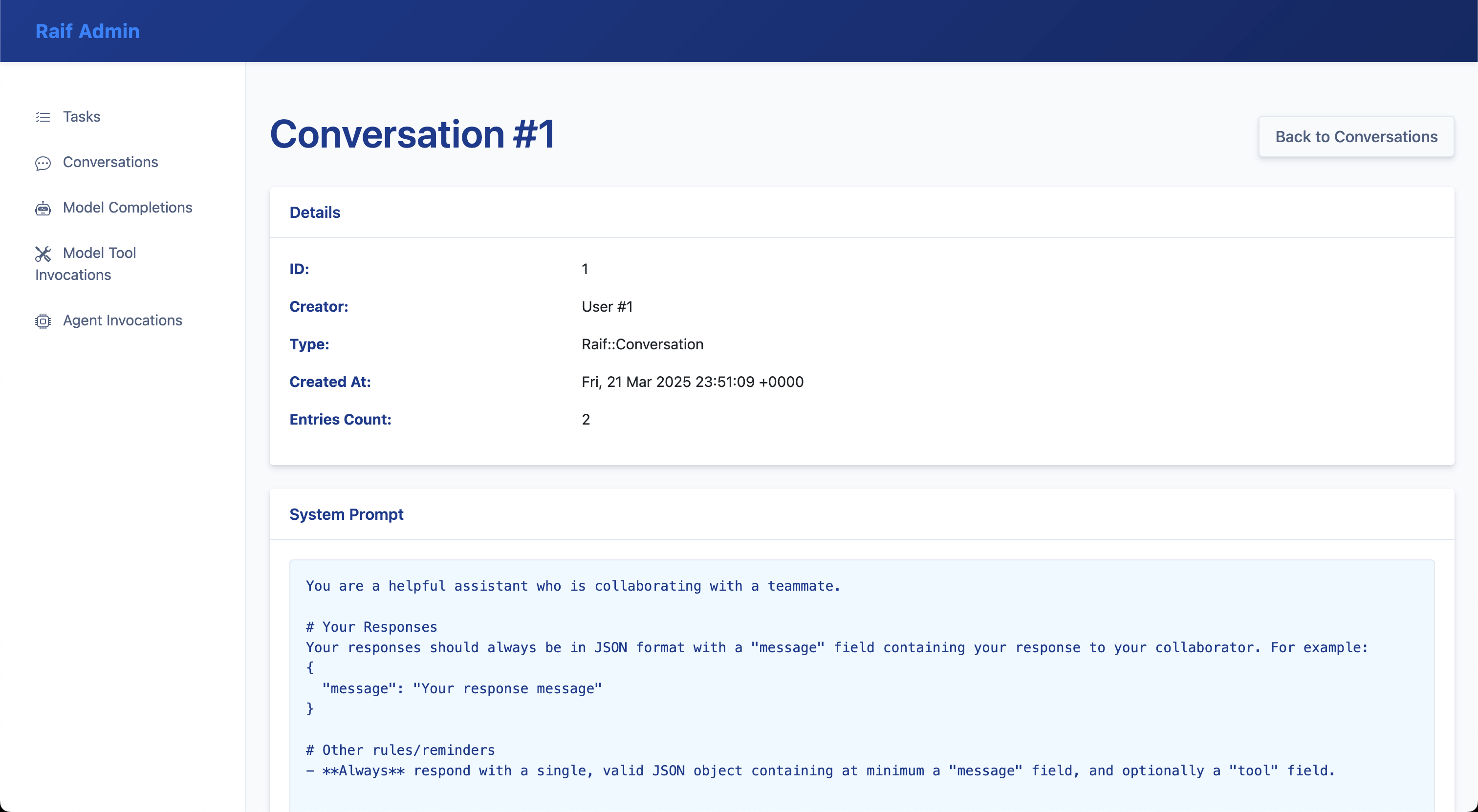
Agents
List of Raif::Agent records: 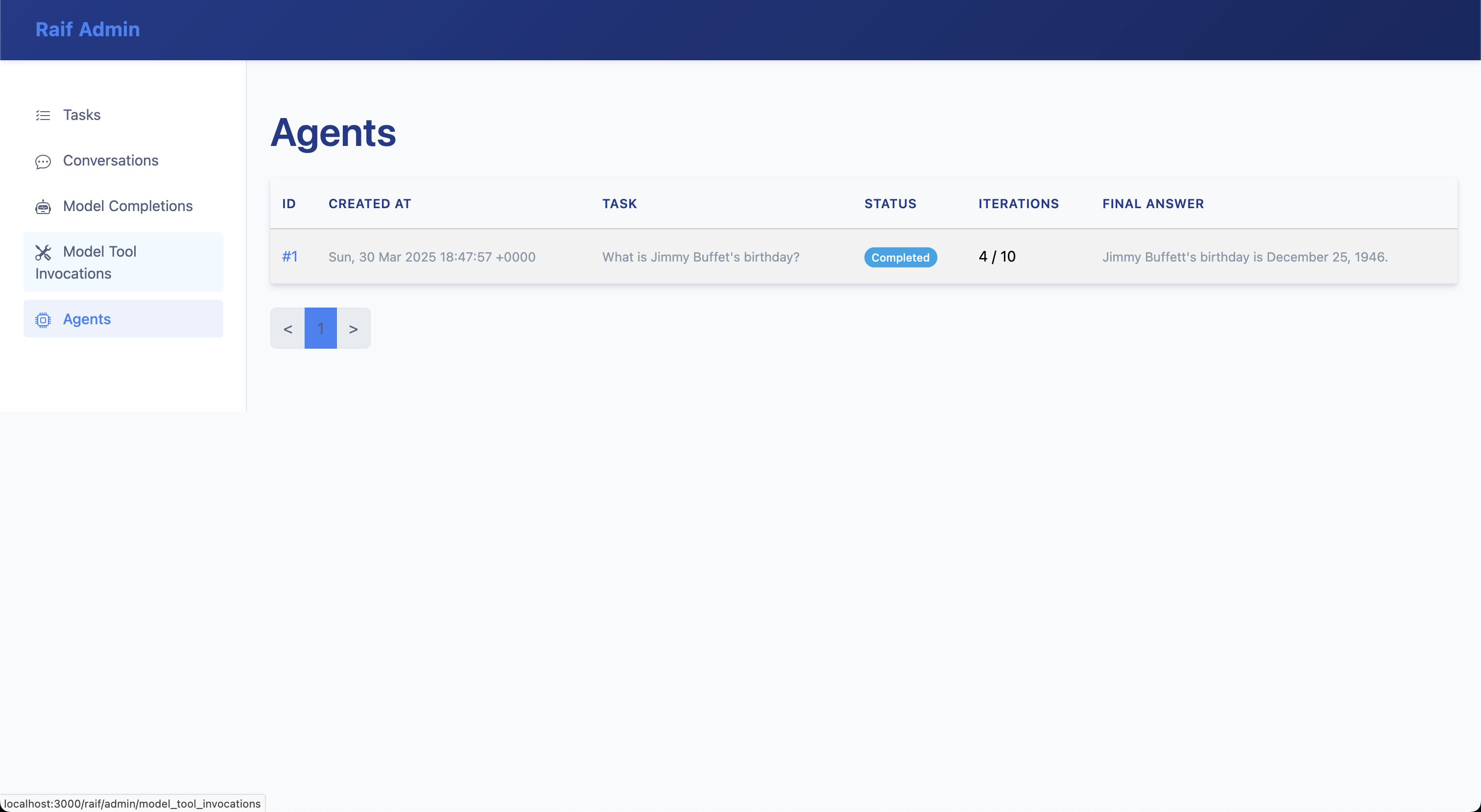
Raif::Agent record detail: 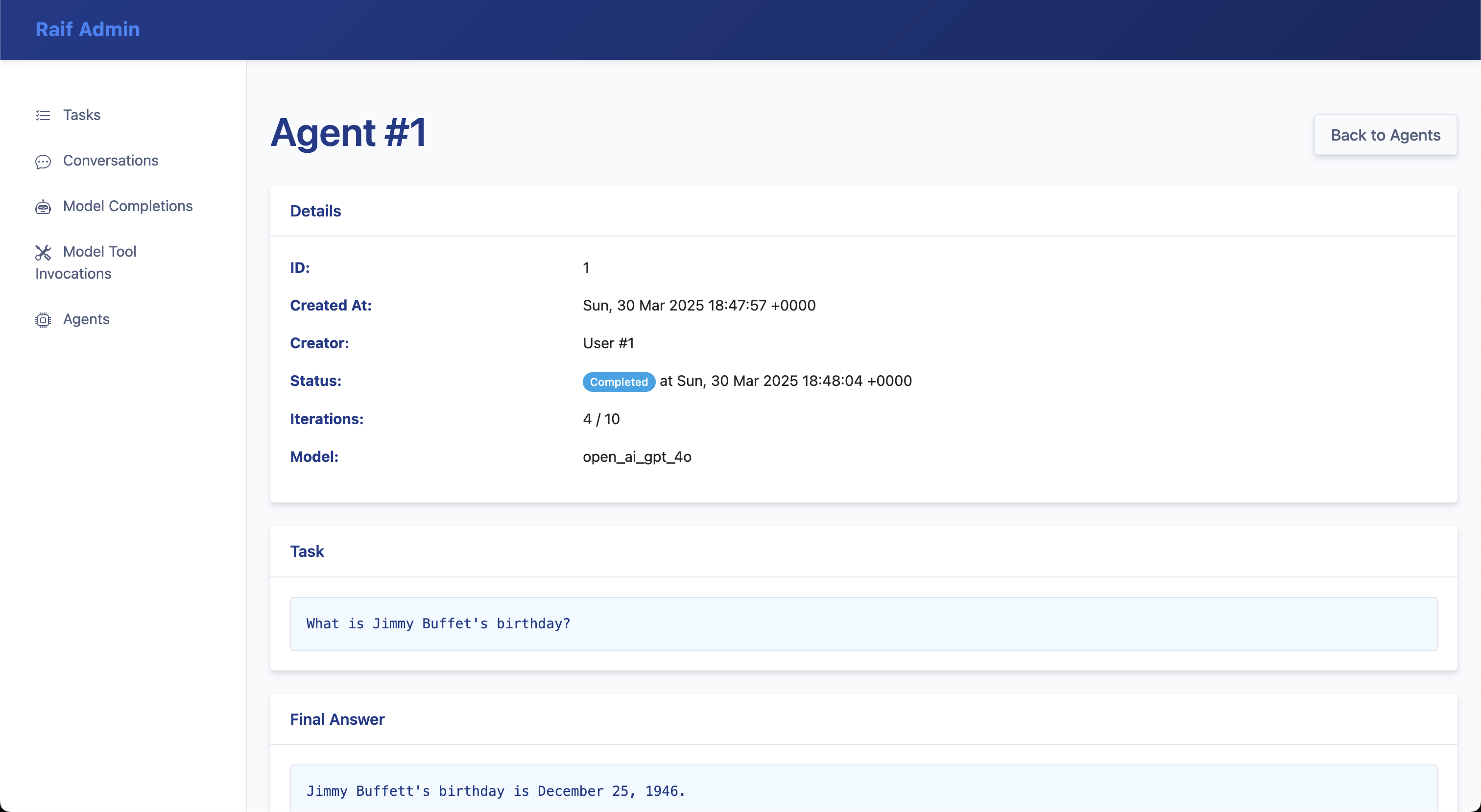
Model Tool Invocations
List of Raif::ModelToolInvocation records: 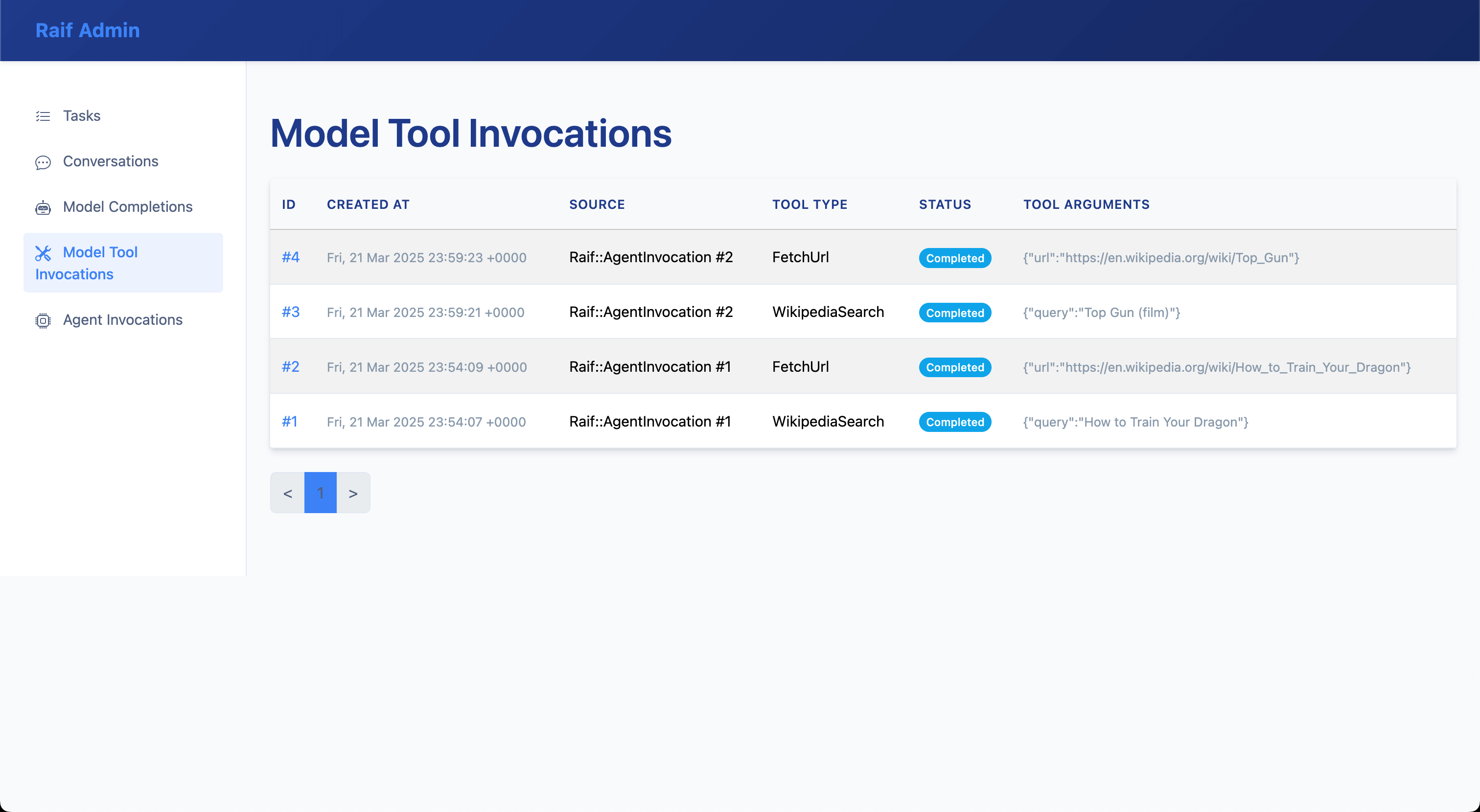
Raif::ModelToolInvocation record detail: 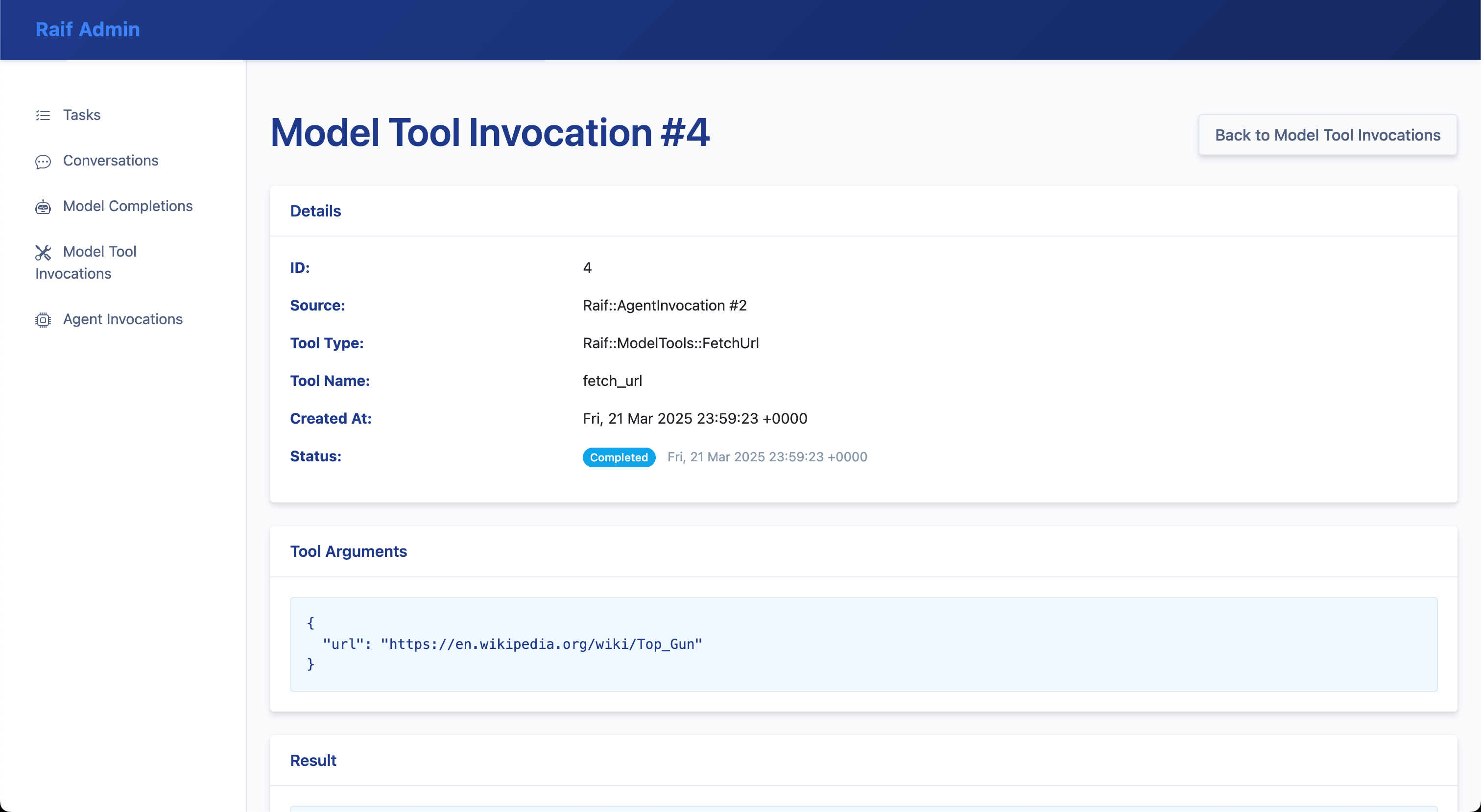
Prompt Studio
Prompt Studio lets you inspect and compare prompt templates using real database records. Select a task, conversation, or agent type, browse existing instances, and see a side-by-side comparison of the current prompt versus the prompt that was originally stored when the record was created. This makes it easy to see how template changes affect real-world inputs.
Prompt Studio is available at:
/raif/admin/prompt_studio/tasks/raif/admin/prompt_studio/conversations/raif/admin/prompt_studio/agents
Batch Runs
From Prompt Studio you can create a batch run that re-executes a task against a set of existing records with the current prompt and a chosen LLM, so you can see how prompt or model changes perform across many inputs. Each batch run stores its items and outputs for later inspection.
Optionally, a batch run can be scored by an LLM judge. Raif ships with four judge types:
Raif::Evals::LlmJudges::Binary– pass/fail judgments against a criterionRaif::Evals::LlmJudges::Scored– numeric scoring against a rubricRaif::Evals::LlmJudges::Comparative– compares outputs against a referenceRaif::Evals::LlmJudges::Summarization– scores summaries with a built-in rubric
See Evals for more on LLM judges.
LLM Registry
The LLM registry page at /raif/admin/llms lists every model registered in the running process, along with its provider, API name, and input/output token costs. Use it to verify which models are registered and to compare provider pricing when picking a default. See Adding LLM Models to register new models.
Stats
Stats & estimated cost tracking: 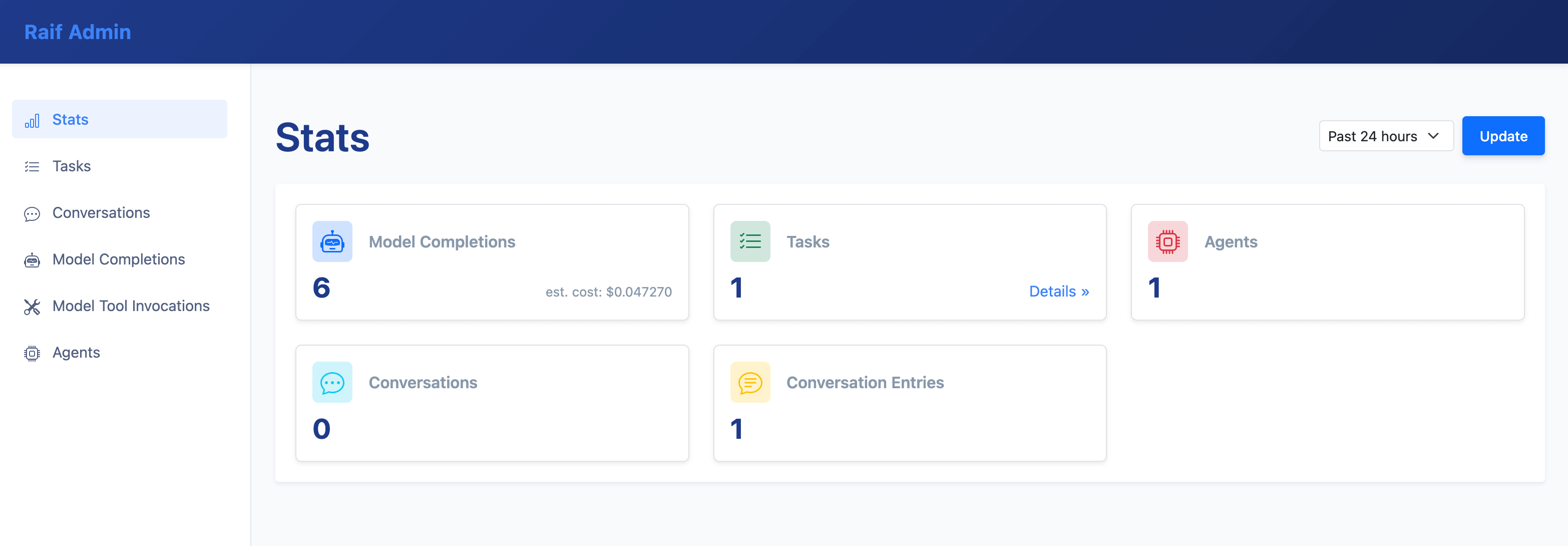
Aggregated task stats & estimated cost tracking: 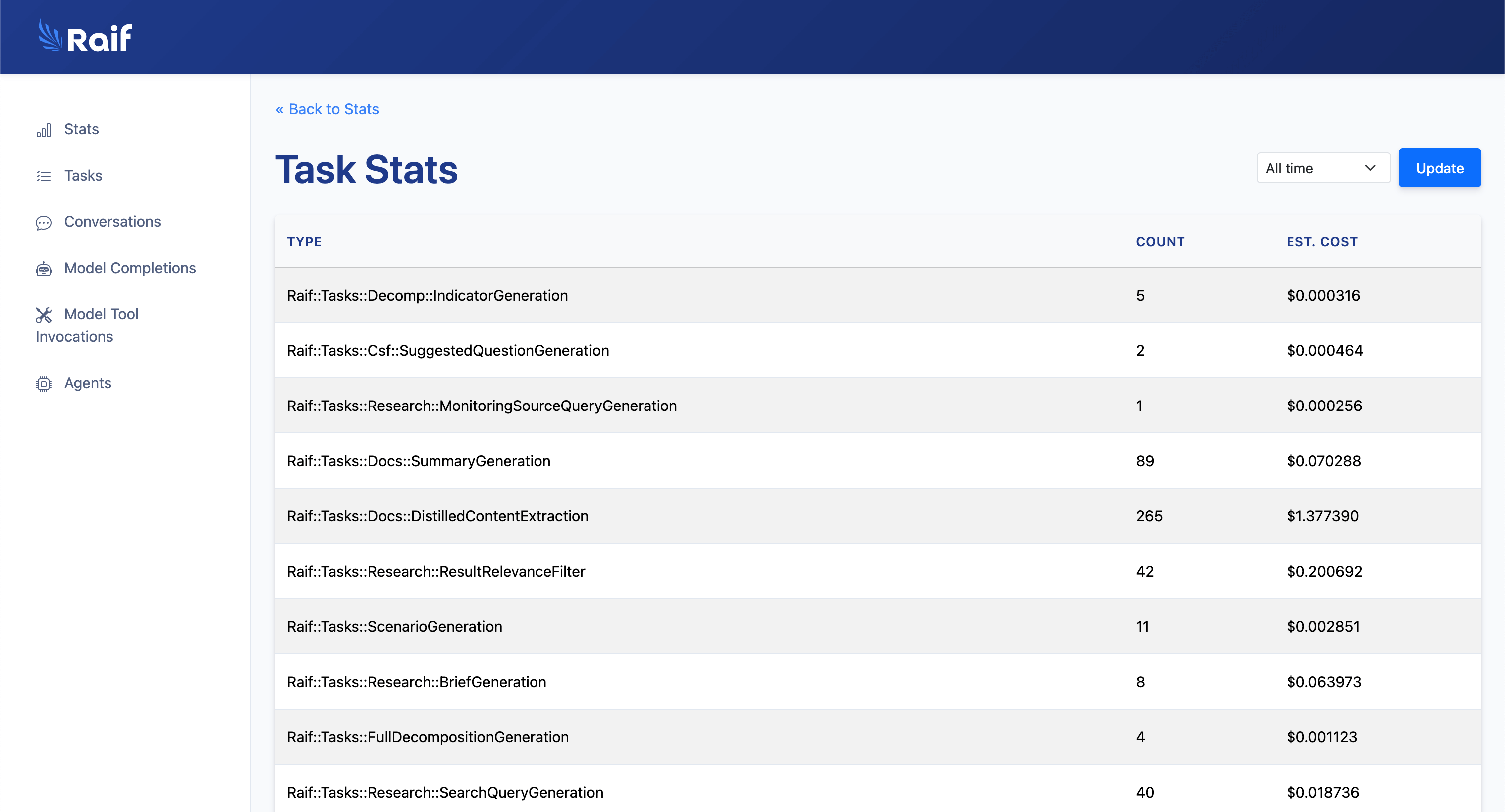
Read next: Response Formats